How to sell furniture online: 7 things shoppers need to see before they buy
In a showroom, shoppers sit down, touch the fabric and walk around the piece. Online they only have what you show them. Here are seven things a product page cannot do without.
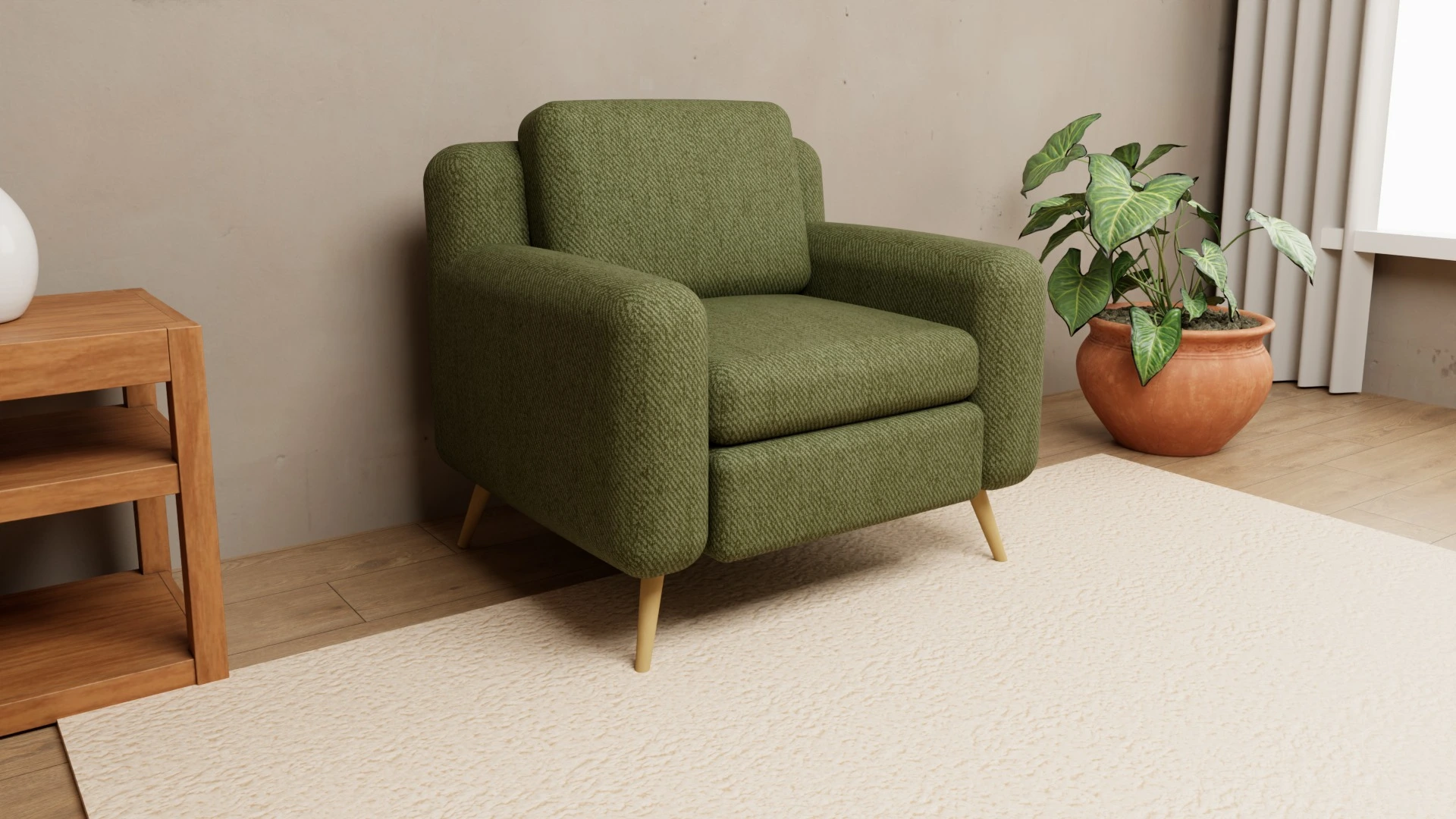
In a showroom, shoppers sit on the sofa, touch the fabric, walk around the piece and ask whatever they want. Online they only have what your product page shows them. Anything they cannot see, they have to imagine – and every wrong guess is a risk that they will not buy, or will send it back later.
Research published in the Journal of Marketing (Tan, Chandukala and Reddy, 2022) shows that tools that help shoppers evaluate a product lift sales most for pricier products and for customers buying in a category for the first time. For furniture that means one thing: the more shoppers see, the easier they buy. Here is what a product page has to show.
1. Exact dimensions – and how they look in a room
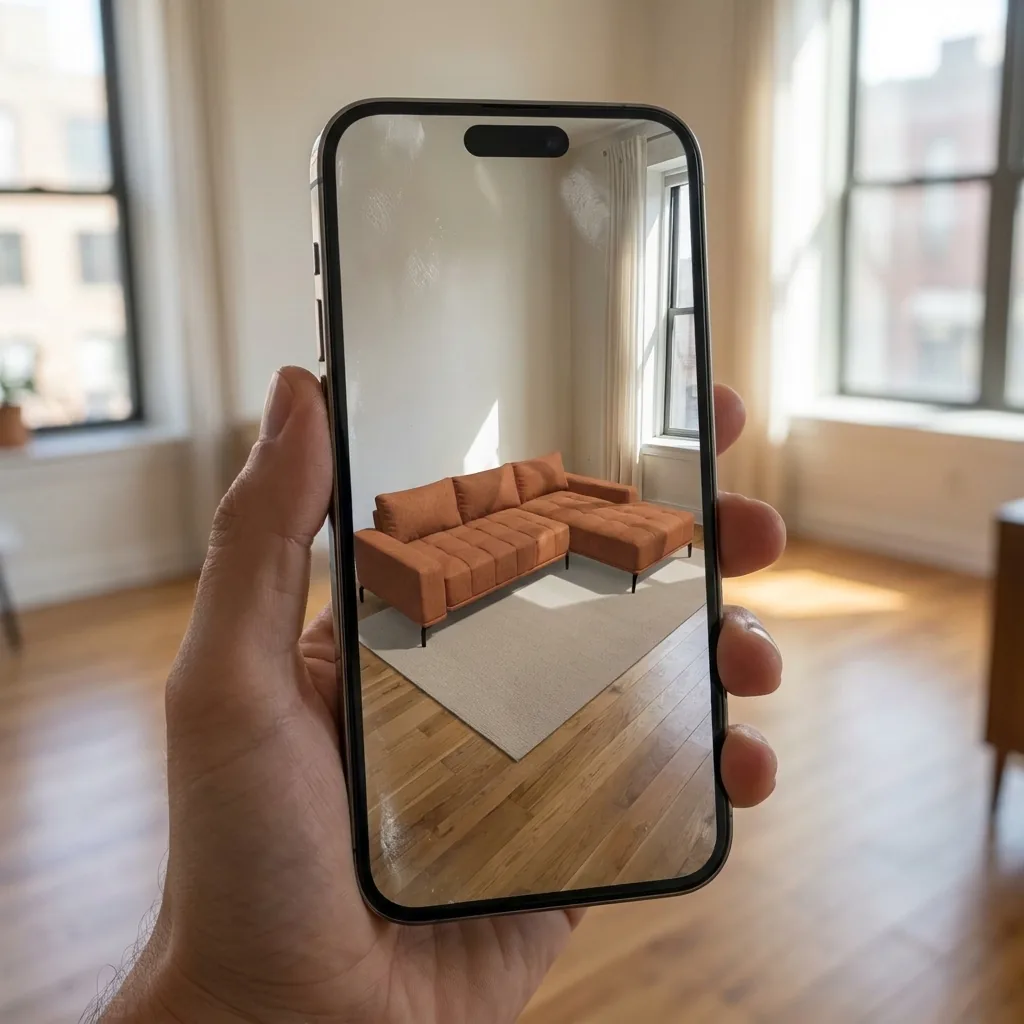
A table with width, depth and height is the minimum. Add seat and back height, seat depth and a dimensioned sketch. What helps most is letting shoppers see the piece in their own room at real size – that is what an AR view does.
2. Every material on the product itself, not just a swatch
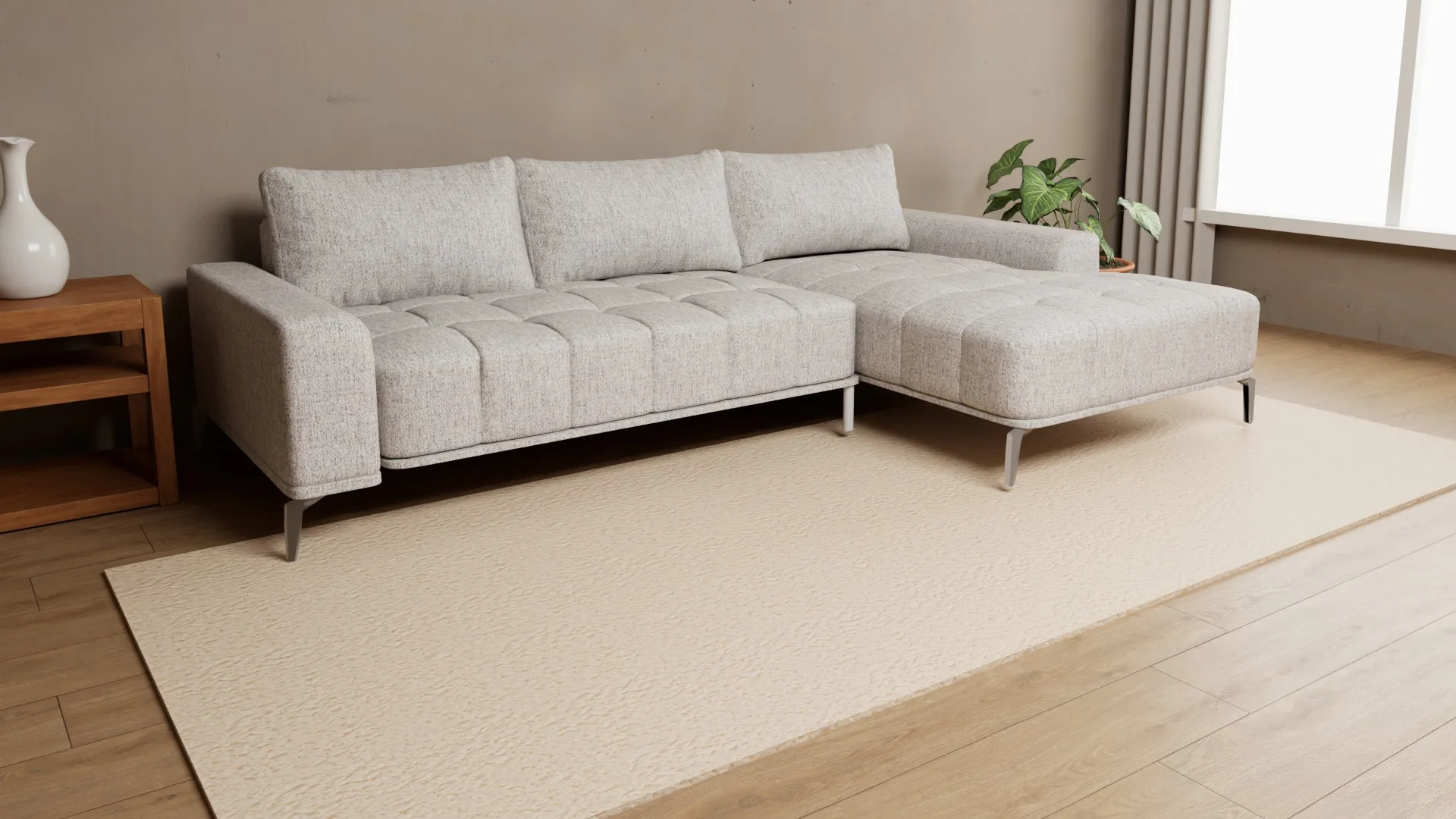
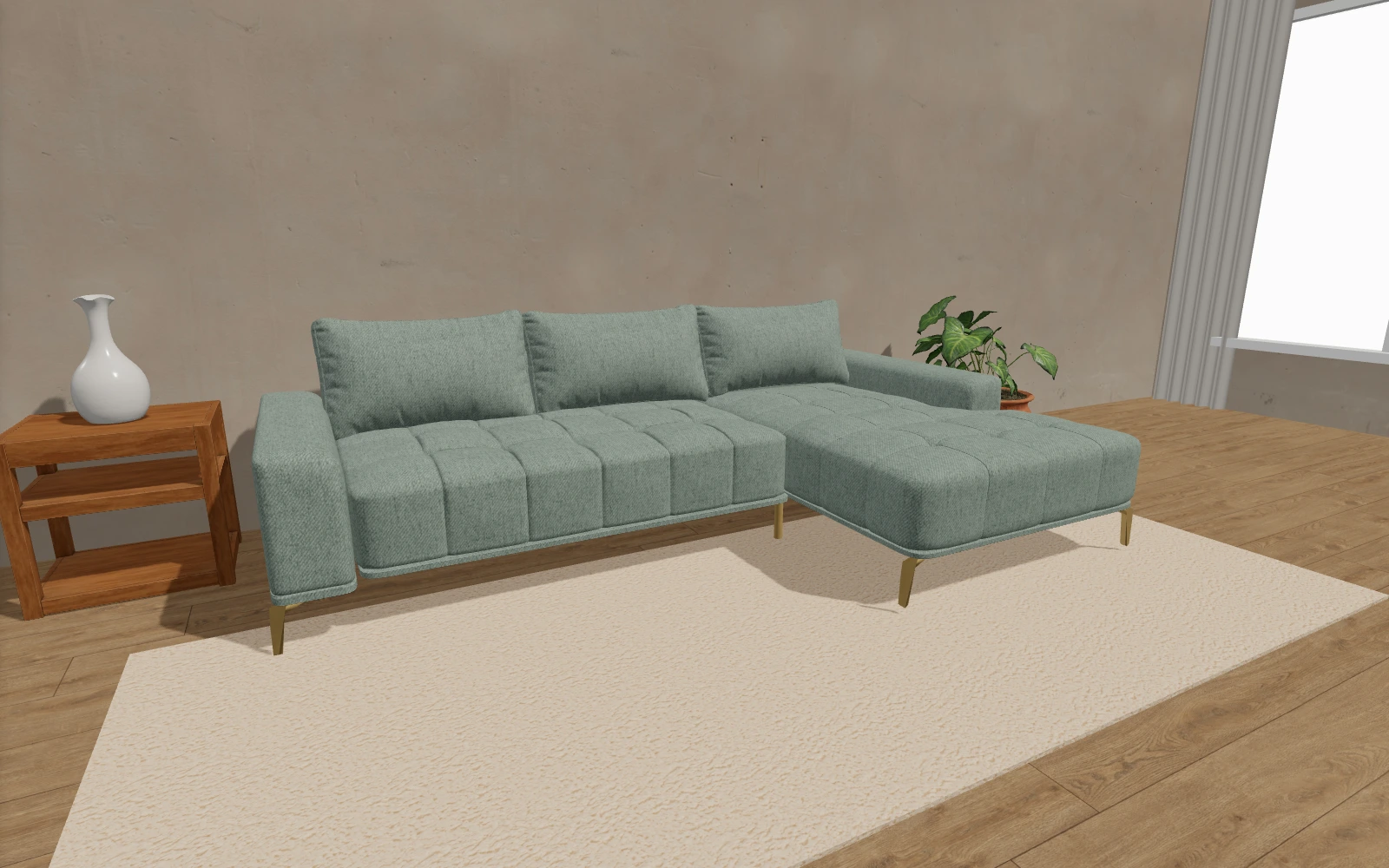
A two-centimeter fabric square does not tell anyone how the whole sofa will look. Shoppers need to see the chosen fabric on the entire model, with texture and pattern at true scale. If you offer dozens of fabrics, a 3D configurator is the only practical way, because photographing every combination is not realistic.
3. The product from every side
Shoppers care about what the hero photo does not show: the back (can the sofa stand in the middle of the room?), the legs, the joints, the sides. A 360° view that shoppers turn themselves answers all of those questions at once.
4. A close-up of the material
Weave, seams, stitching, wood grain – in a showroom shoppers check these by hand. Online, a sharp close-up and zoom take their place. If shoppers cannot get close to the material, they cannot trust it.
5. The exact combination they are ordering
Before they click “Order”, shoppers should see the combination they chose – fabric, legs, cushions – and a clear list of the selected materials. A list that can be printed or saved as a PDF helps you too: the order is unambiguous, and “that is not what I picked” complaints disappear.
6. Delivery time and what is included
Made-to-order furniture does not arrive tomorrow, and that is fine – as long as shoppers know up front. State the expected production and delivery time, and whether carrying it in, assembly and packaging removal are included.
7. Clear return terms and fabric swatches
Shoppers buy with more confidence when they know what happens if something is wrong. Spell out your return and complaint terms, and offer physical fabric swatches for sensitive tones. The better shoppers see the product before buying, the less often you will need those terms – more on that in how 3D and AR reduce returns.
How to cover all of this without a dozen photo shoots
Points 2, 3, 4 and 5 are the hardest to cover with photos, because they need every combination from every angle. A 3D configurator solves them at once: shoppers turn the model, change fabric and legs, zoom into the detail, place the model in their room and get a list of the selected materials. When you need a photo for your website or catalog, it comes from the same model – see photos in every color without a photo shoot.
Furni360 goes onto your existing website with one short snippet – WordPress, WooCommerce, Shopify, PrestaShop or a custom site. See exactly how in the integration guide, or get in touch for a short online demo.
Frequently asked questions
What matters most on a furniture product page?
That shoppers see exactly what they are buying: the chosen material on the whole product, the product from every side, exact dimensions and how the piece looks in a room. Right after that come a clear delivery time and return terms.
Do I need an online store to use a 3D configurator?
No. A 3D configurator also works on a website without a cart – shoppers pick a combination and send an inquiry, or come to the showroom with the list of materials.
Does a 3D view slow down the website?
It does not have to. In Furni360 the models are small and load only when the shopper reaches the viewer on the page, so the rest of the page stays just as fast.
Sources
Figures are taken from the sources listed; most were published by the companies themselves.