Furniture photos in every color – without another photo shoot
One model, 66 materials and 3 leg finishes – that is 198 combinations. Here is how shoppers can see a photo of each one, with no studio and no sewn samples.
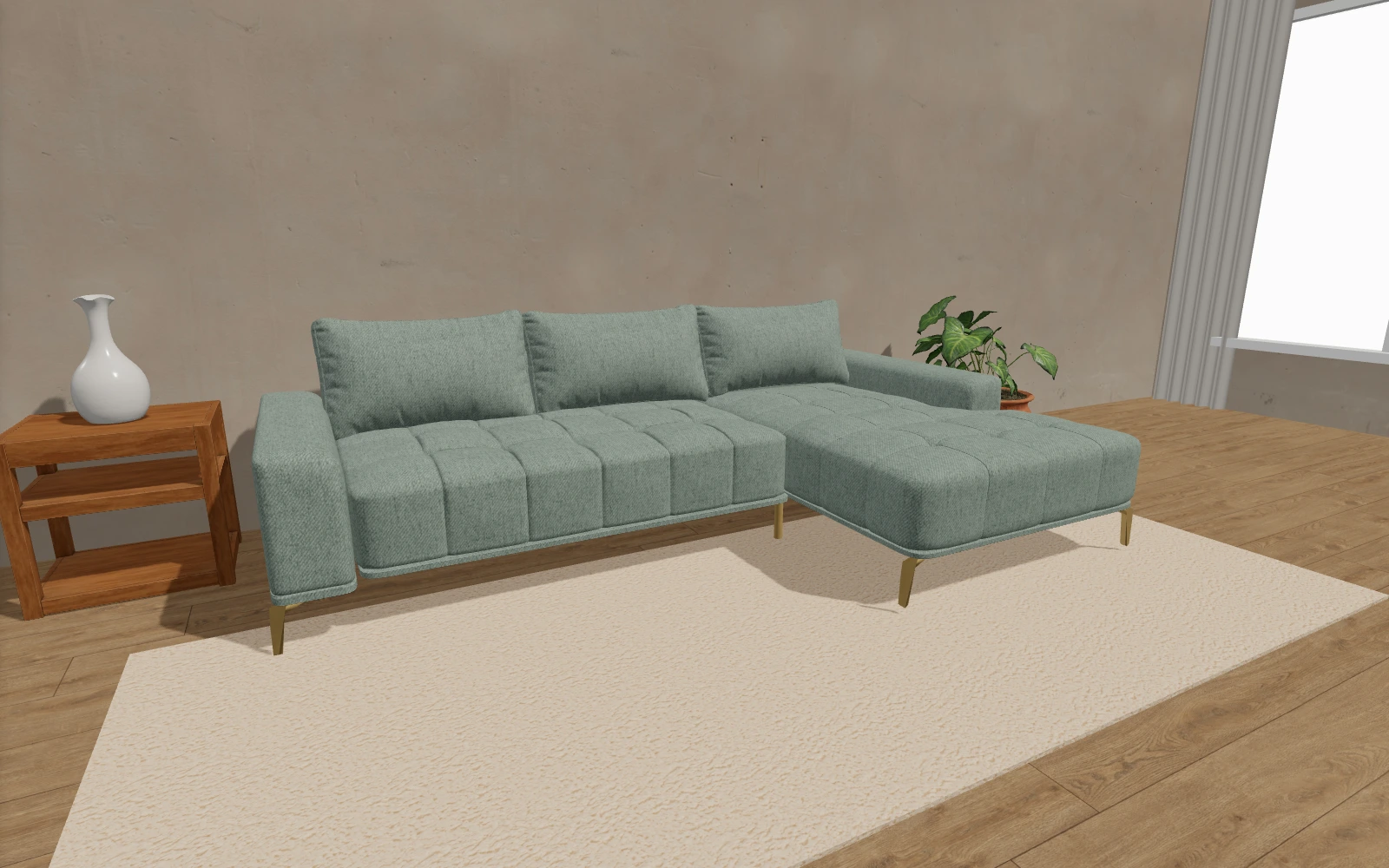
One sofa model, 66 materials, 3 leg finishes – that is 198 combinations. Photographing each of them would mean sewing dozens of covers, booking a studio and paying a photographer for hundreds of shots. So most sellers photograph one or two colors, add a small swatch for the rest and hope the shopper imagines the result.
Shoppers rarely imagine it right – and the gap between what they pictured and what arrives is one of the main reasons for furniture returns.
The problem: photos only show what you managed to shoot
- Shoppers see the model in a color they do not want and have to imagine the one they do.
- A new fabric in the collection means a new photo shoot – or nobody sees it on the website.
- Photos from different shoots have different lighting, so the catalog looks inconsistent.
- For social media, the catalog or a quote, the exact combination you need is always missing.
The solution: photos from the 3D model
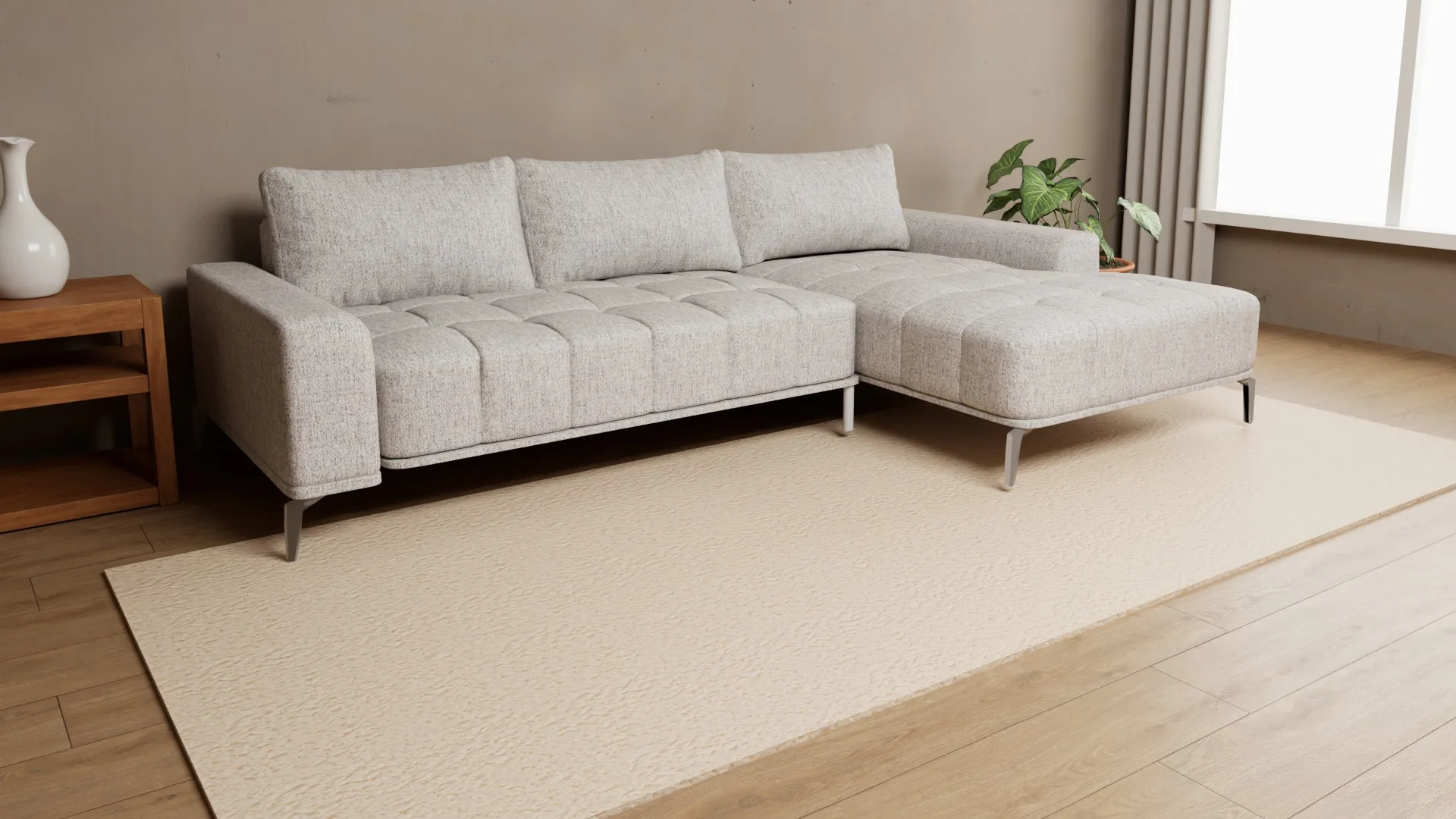
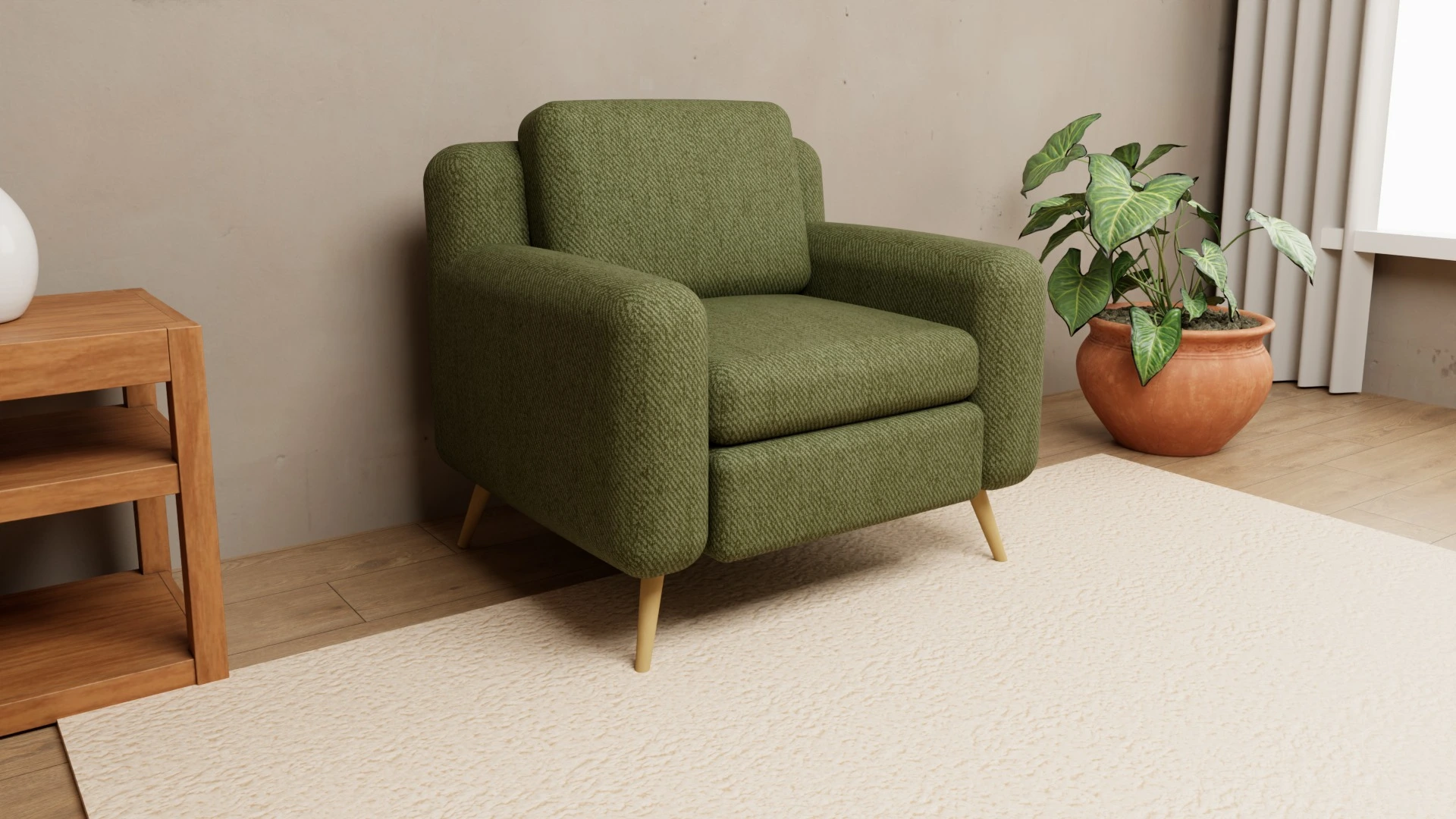
Once a piece exists as a 3D model with all its materials, a photo of any combination is one click away. In Furni360 the shopper (or you) picks the fabric and legs and, in about a minute, gets a studio-quality photo set: three angles and a material close-up in Full HD, with realistic light and shadows.
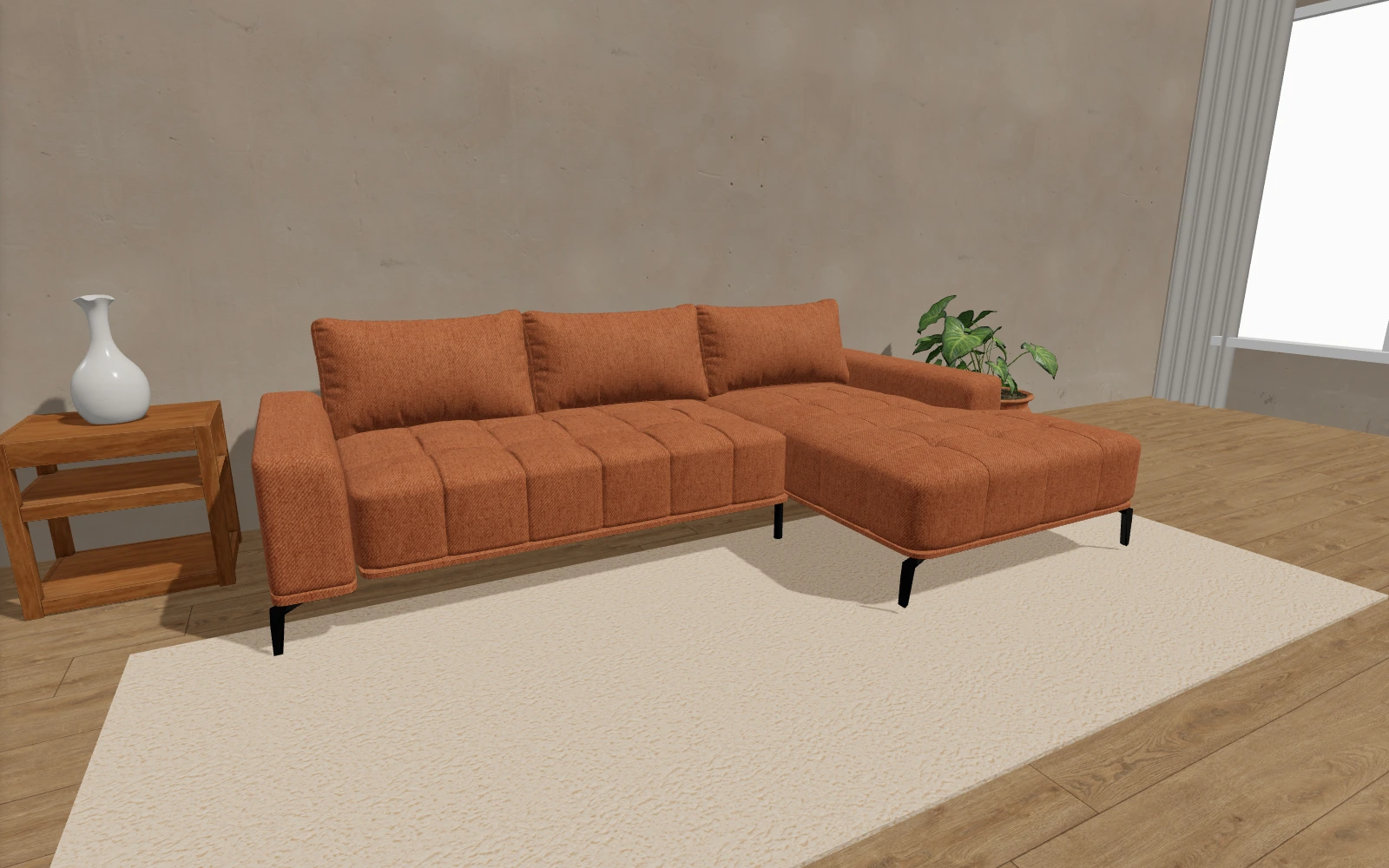
Because every photo comes from the same model under the same light, all combinations look consistent – as if they were shot on the same day in the same studio. And when you add a new fabric to the collection, it is immediately available both in the 3D view and for photos.
Where you can use these photos
- Product page – a separate gallery for every color instead of one photo and a swatch.
- Catalogs and print – consistent photos of the whole collection.
- Social media and ads – a fresh combination for every post, without booking a shoot.
- Quotes and orders – print or save a PDF with the chosen combination and the list of materials.
- Showroom – show the customer exactly what they are ordering, even in a color that is not on display.
What shoppers get
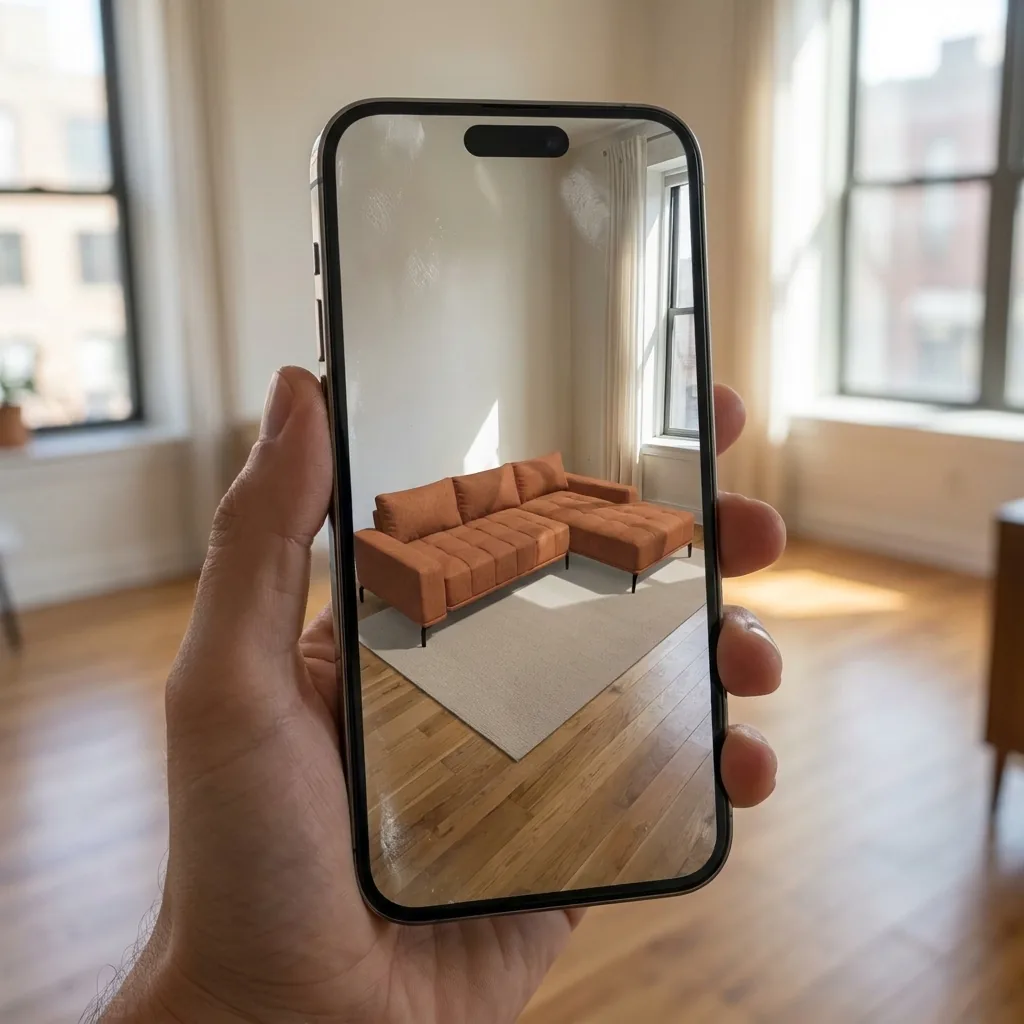
Shoppers are not looking at a “similar” photo but at the exact combination they chose – with zoom and full-screen view. It is the same logic as the 3D view and AR in their own room: shoppers buy with more confidence when they see exactly what they are buying.
What it costs
Furni360 photos are bought as a package, so you know the cost up front. Repeated combinations are not charged again, and when the package runs out the 3D view keeps working. See how pricing works on the Pricing page, or request a photo yourself in the demo configurator.
Frequently asked questions
Does a photo from a 3D model look like a real photo?
Yes. The photos are created with realistic light, shadows and material texture, so they look like studio shots. Judge for yourself: every photo of the sofa on this page was created from the 3D model.
What happens when I add a new fabric to the collection?
We update the material catalog. The new fabric is immediately available in the 3D view and for photos – no new shoot and no changes to your website.
What resolution are the photos?
Photos are Full HD (1920 × 1080): three angles of the model and a close-up of the material.