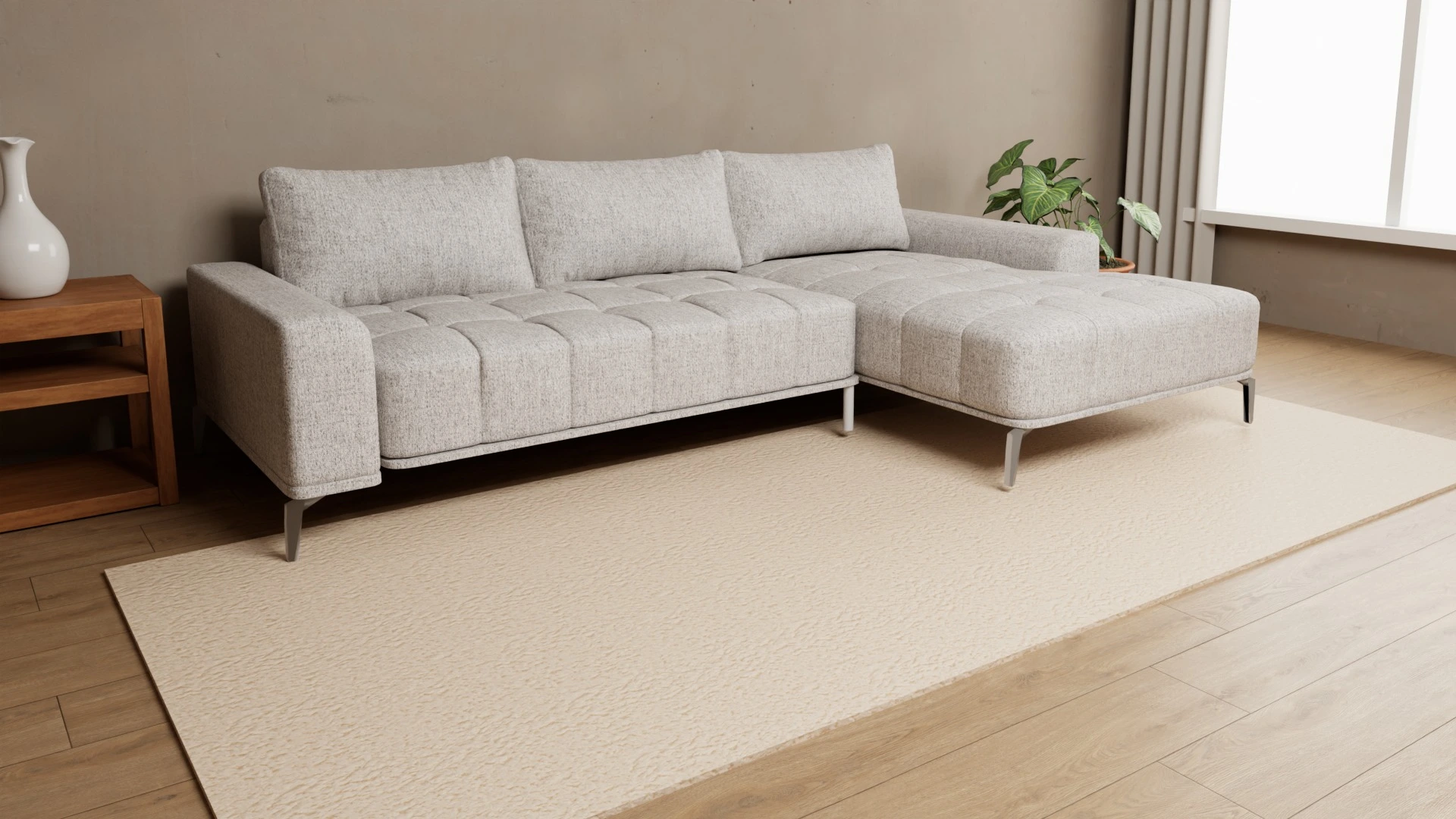
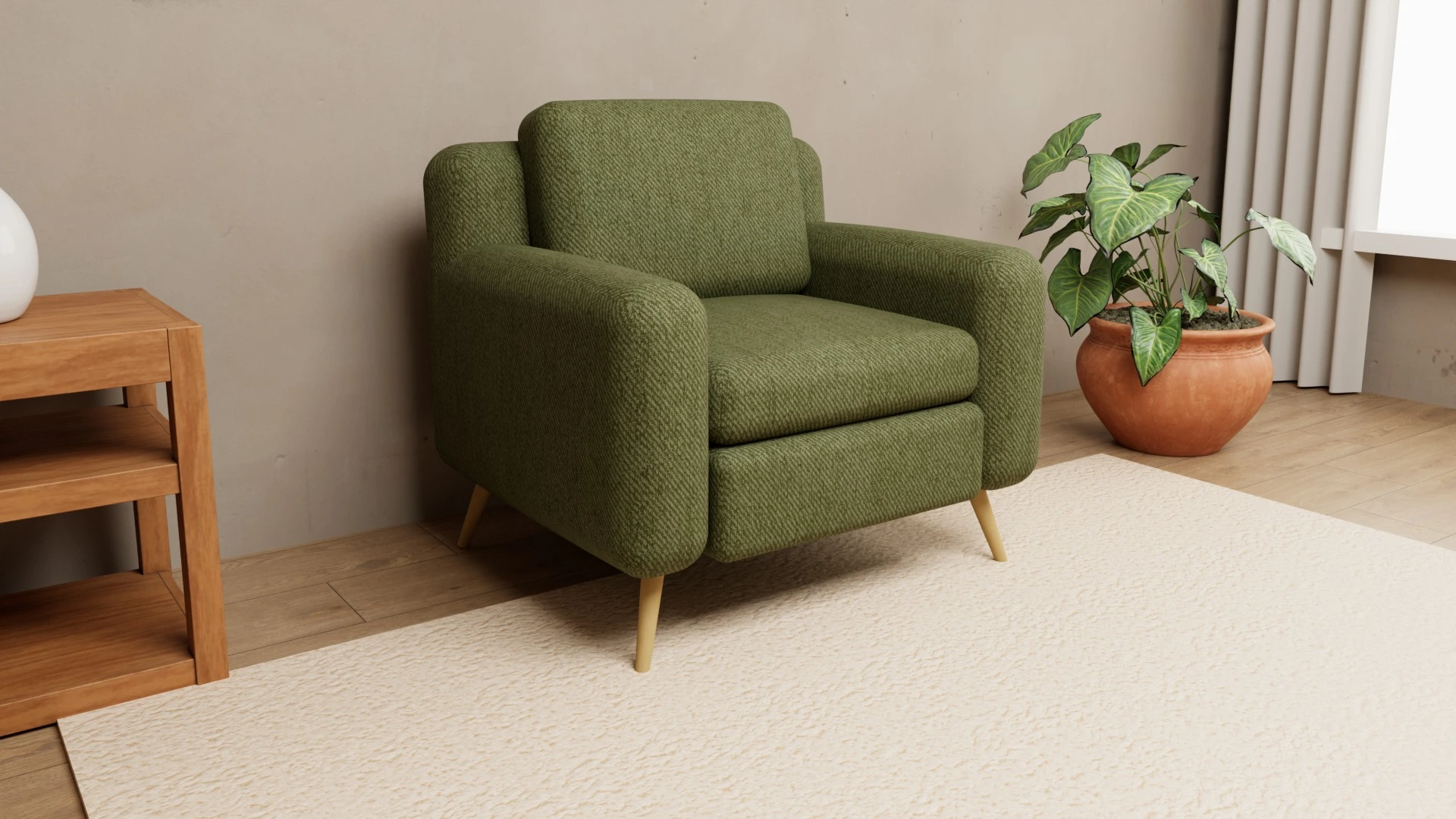
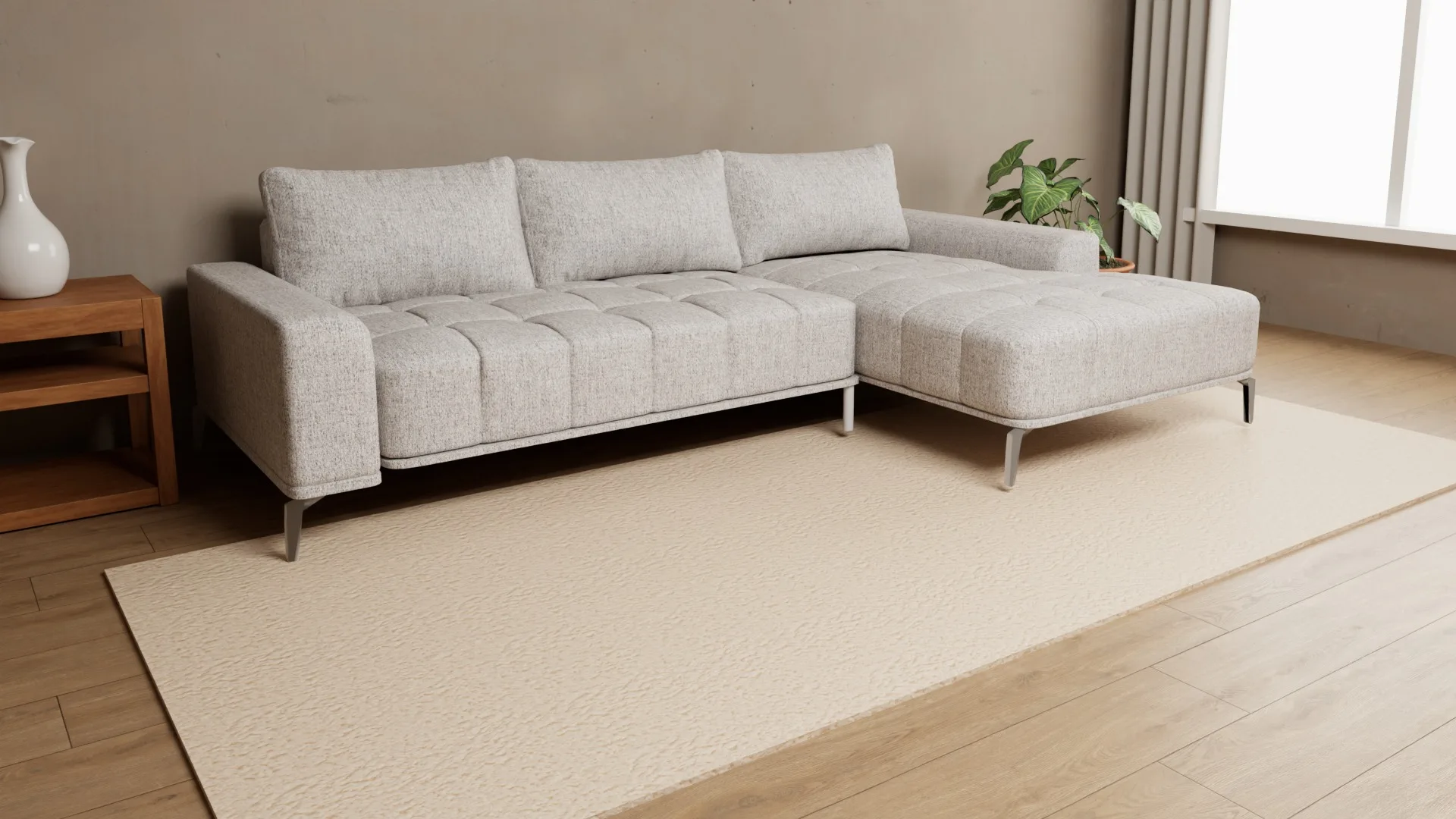
A 3D configurator in the furniture showroom: the tablet as an endless catalog
The showroom has one sofa in one color, and the shopper asks how it looks in green. With a 3D configurator on a tablet, the answer takes ten seconds – and ends with a PDF of the exact order.
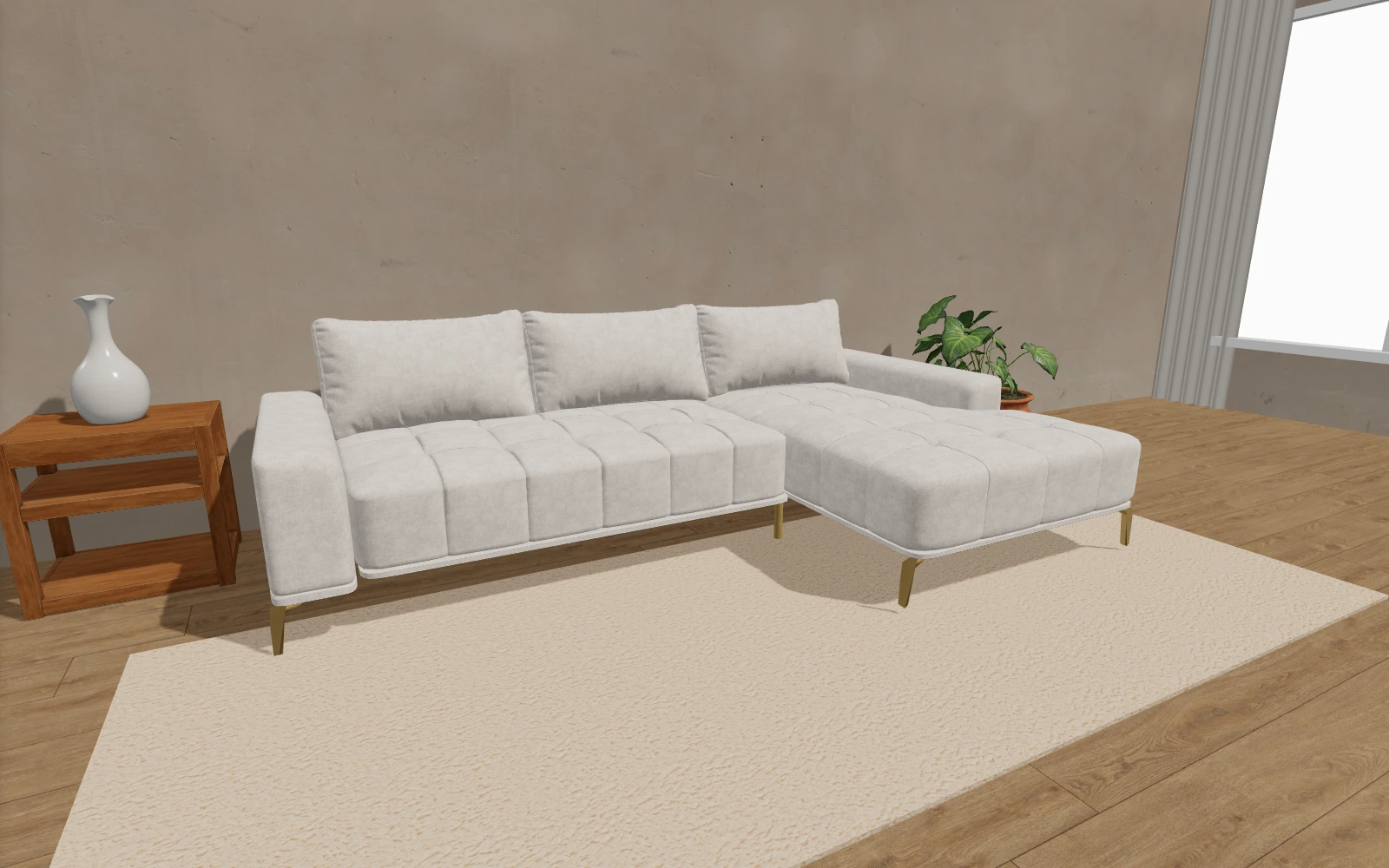
The showroom has one sofa in one color. The shopper likes the shape but asks: “How would it look in green? With black legs?” The salesperson brings the swatch book, shows a five-centimeter square of fabric and says: “Imagine this on the whole sofa.” Most shoppers cannot – and they put off the decision.
Why a showroom cannot display everything
One model with 66 materials and 3 leg finishes has 198 combinations. A showroom displays one or two. The rest exist only in the swatch book and in the shopper's imagination – and that is where most upholstered furniture sales are lost: the shopper loves the model but is not sure about the color.
What the conversation looks like with a tablet
- The salesperson opens the product page on a tablet – the same 3D configurator that runs on your website.
- The shopper picks the fabric and legs. The change is instant, on the whole sofa, with the real texture of the material.
- They turn the model with a finger, zoom in on the stitching and compare two or three combinations side by side.
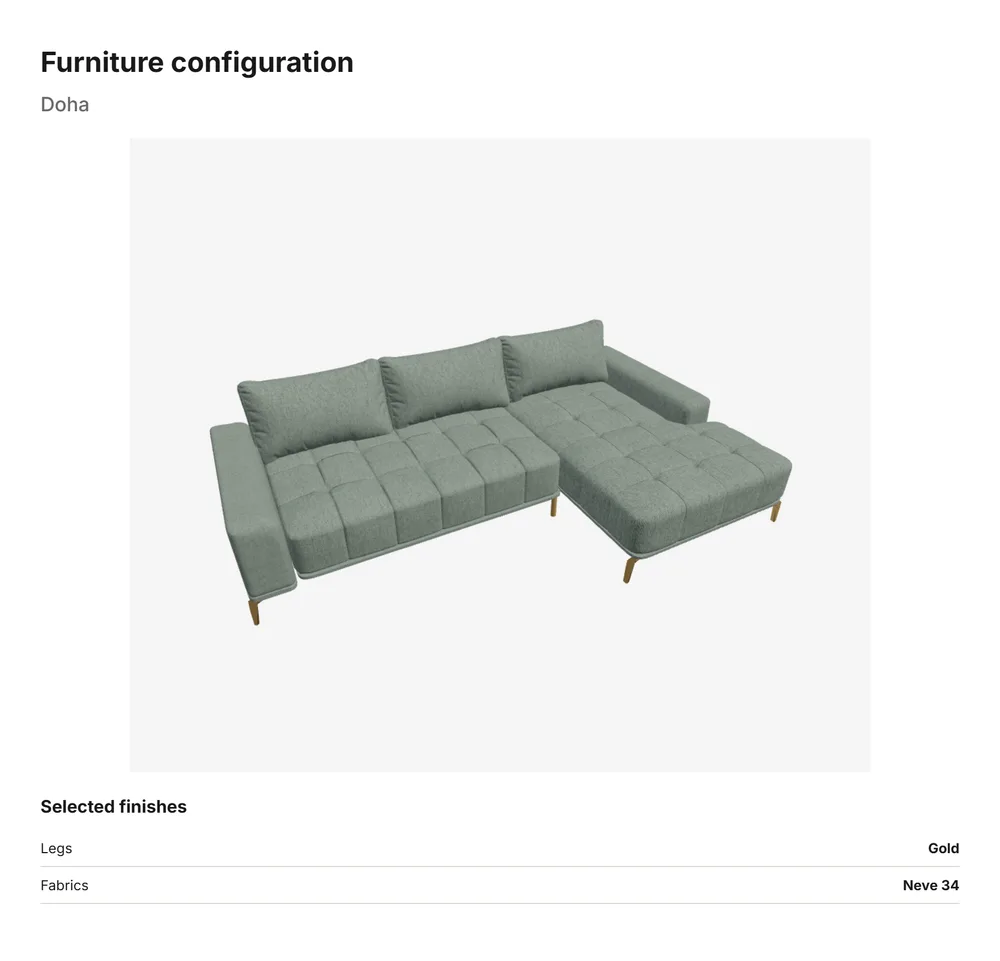
- Once they decide, the salesperson prints or saves a PDF with one click: an image of the model and the list of chosen materials.
- The shopper takes the PDF home or gets it by e-mail, and the same sheet goes to production as the order specification.
What the showroom gets
- Fewer “I'll think about it”. The shopper sees the exact combination before leaving instead of imagining it.
- Fewer order mistakes. A PDF with the fabric and leg names replaces a handwritten code from the back of a swatch.
- The whole catalog in a small space. A small showroom sells models it does not have on display.
- The same tool online and in store. In the showroom, shoppers see the same view they tried at home on your website.
After the showroom: AR at home
The most common question after a showroom visit is “will it fit”. At home, the shopper opens the same model on your website, picks the fabric from the PDF and uses their phone to place the sofa in their room at real size. More in AR for furniture.
What you need
A tablet with a modern browser and internet in the showroom. No special app – the configurator is the same page that runs on your website. Try the demo on a tablet or see all features.
Frequently asked questions
Does the showroom tablet need a special app?
No. The configurator opens in the tablet's browser, just like on the website.
Can a showroom use the configurator without an online shop?
Yes. The configurator works on the product page of any website, and in the showroom it opens on a tablet. A cart and online payment are not required.
What is in the PDF the shopper gets?
An image of the model in the chosen combination and the list of chosen materials – fabric, legs and other parts.