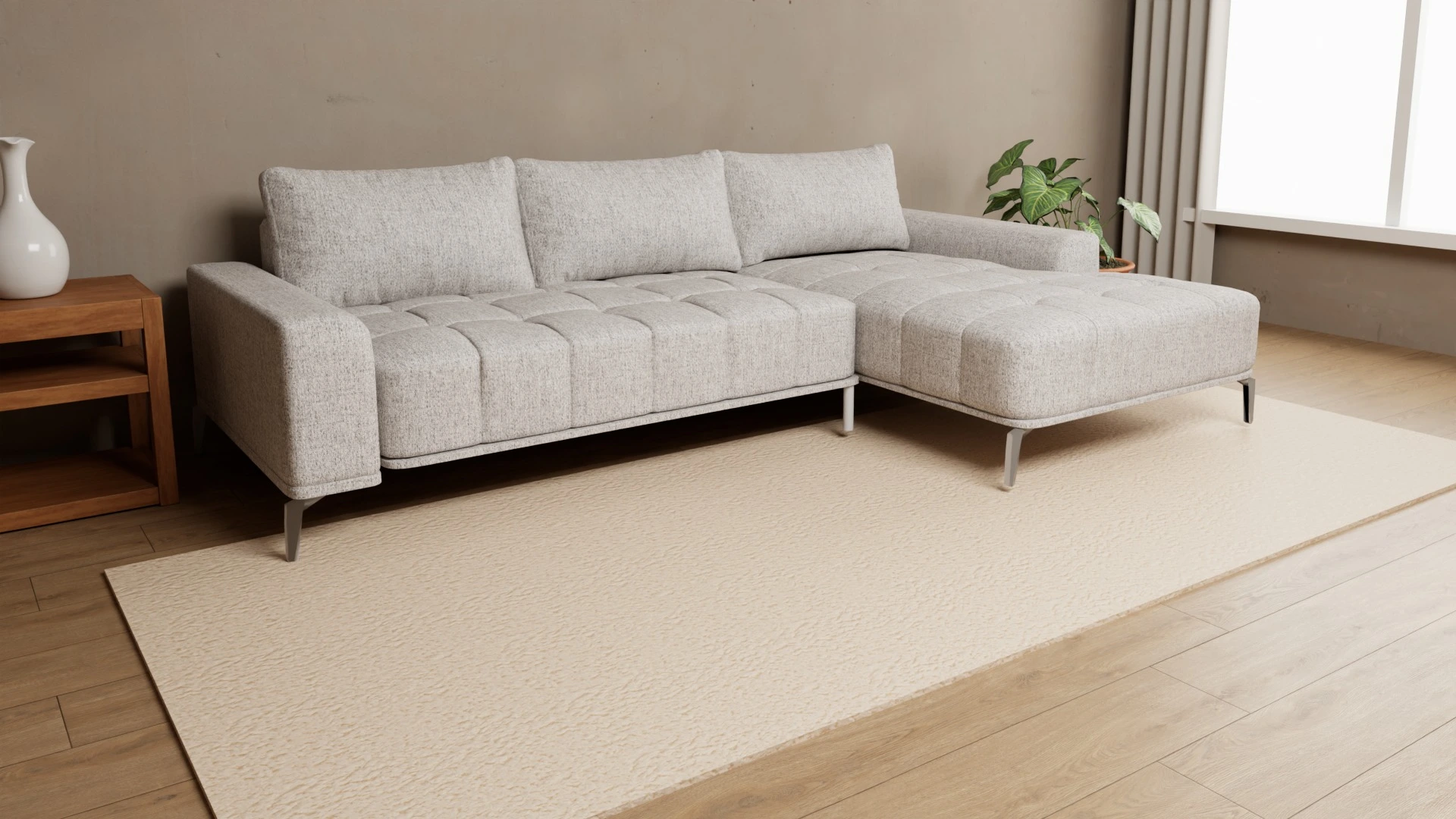
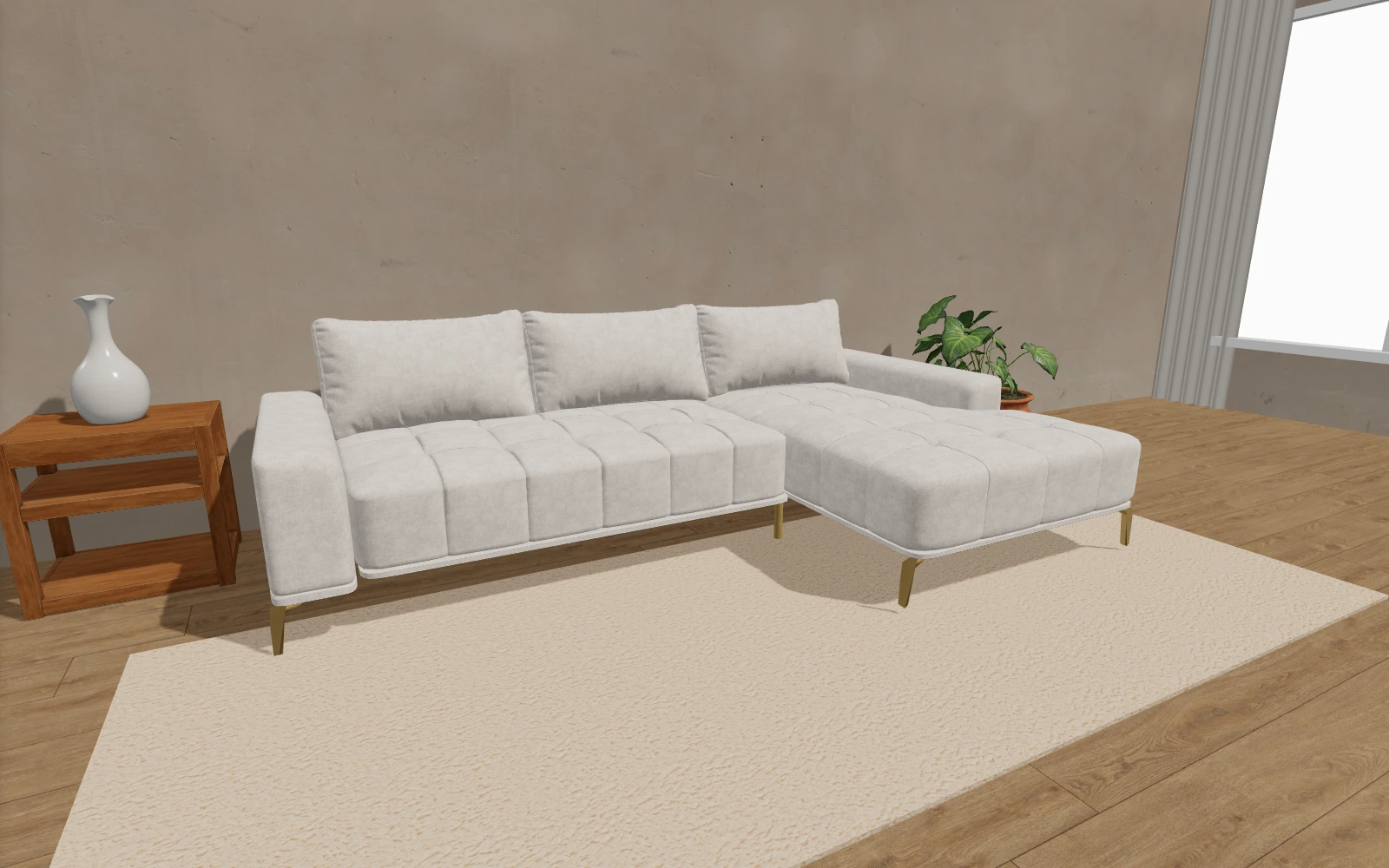
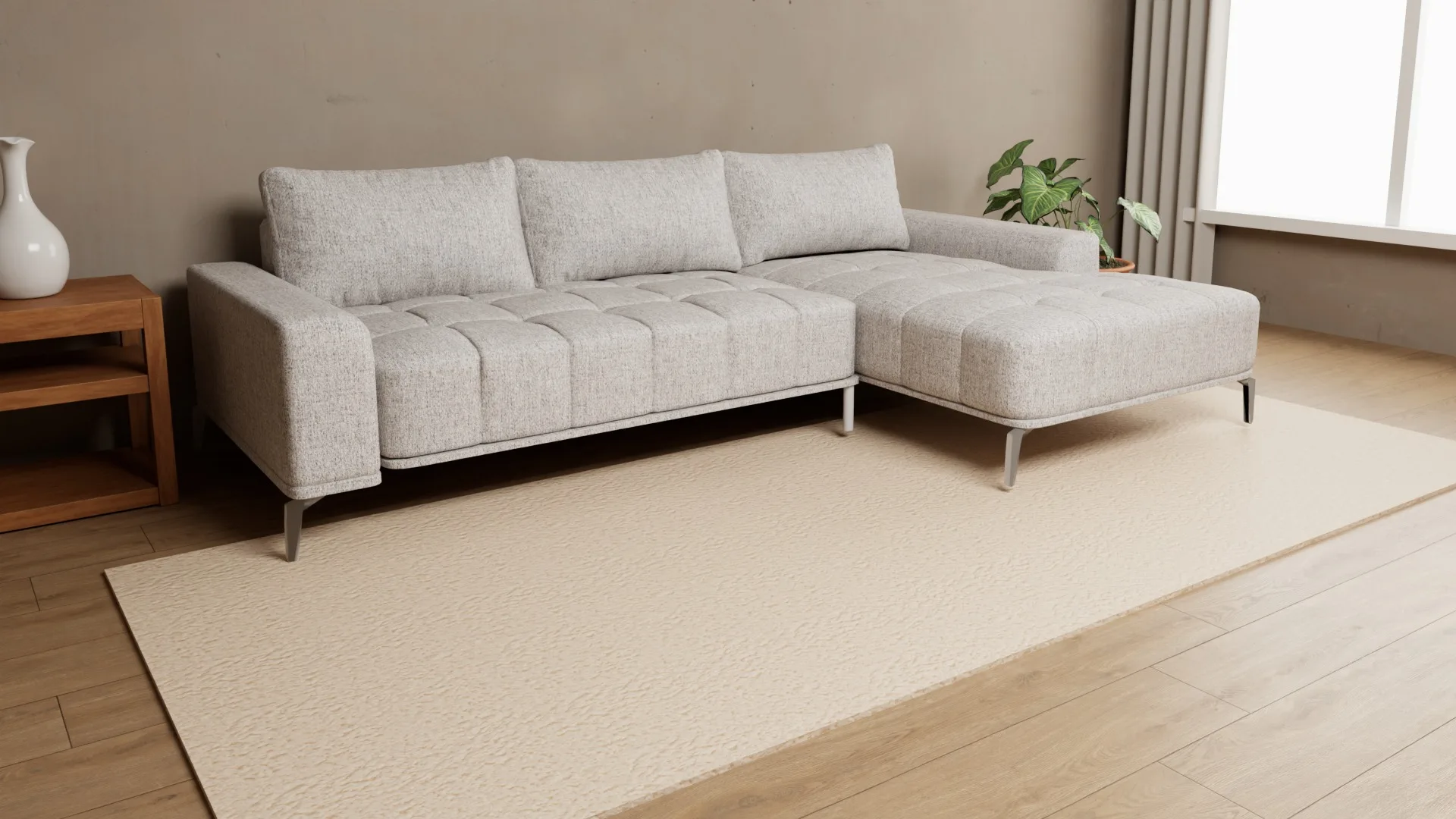
A 3D Furniture Configurator: A Guide for Manufacturers
A 3D furniture configurator is more than a rotating model. Learn how to prepare your catalog, map materials to product parts and add a configurator to your existing website.
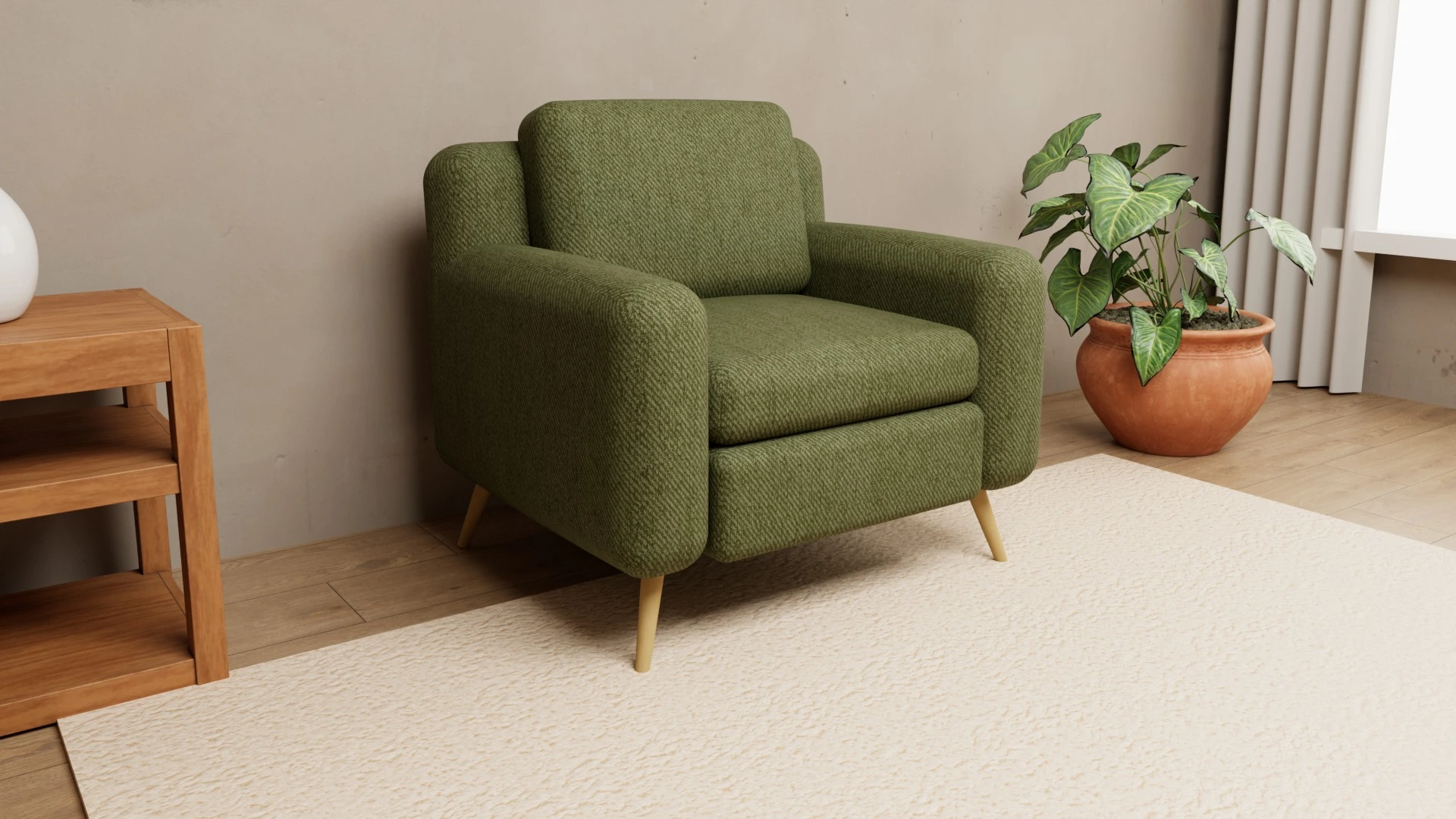
When the same sofa or chair comes in multiple fabrics, colors and finishes, a single product photo cannot show every combination. A 3D furniture configurator lets shoppers select the options you actually offer and view them on the product before they enquire or order. For manufacturers, the key work is preparing the catalog: models, parts and materials.
1. Start with products and options shoppers can choose
List the models you want to show and the options customers can really order. A sofa may have separate choices for its body, cushions and legs. A table may let shoppers choose the top and legs. Do not turn every internal SKU into a separate choice; show the differences a shopper needs to understand and select.
For each model, record its available materials, collection and the parts each material applies to. This prevents shoppers from choosing a fabric that is not available for a particular part or model. See how material and part choices work in the configurator.
2. Check your 3D models and material textures
Gather existing 3D models, material samples and references for colors and finishes. Note whether the parts that change are separate in the model and whether patterns and textures can be shown at a suitable scale. If models are missing, agree on their preparation before planning the website integration; the work depends on your catalog.
Review the whole product in each combination, not just a small swatch: color, texture, joins, legs and the back of the piece. Compare the view with a real sample under neutral lighting. A digital view helps shoppers understand available options, but it should not promise identical color on every screen.
3. Add the configurator to the product page
Choose where the configurator belongs: beside the photos, in a product tab or in a pop-up. Make sure shoppers can still find dimensions, price, delivery time and the enquiry or purchase button on the page. Furni360 embeds on an existing website with an iframe; the integration guide covers WordPress, WooCommerce, Shopify, PrestaShop and custom sites.
Before publishing, test on both phone and desktop: loading, every material choice, rotation and zoom, full-screen view and AR if relevant. If the configurator sits below the fold, check that it does not load unnecessarily before shoppers reach it.
4. Plan how the catalog will stay current
Decide who sends new samples, who approves colors and who tells the web team when a model or collection changes. For each update, check which products use the material and refresh product descriptions and availability. A workable update process matters more than launching with a large number of options: an outdated choice confuses shoppers.
5. Request a quote based on your actual catalog
For a project estimate, prepare the number of models, materials and collections; the parts with independent choices; any existing 3D files; your website platform; and the domains where the viewer will run. Decide whether you also need photos of selected combinations. Furni360 pricing covers model preparation and a license; product photos are optional. See furniture configurator pricing.
- List of models and parts that shoppers can configure separately.
- Materials and finishes available for each part.
- Existing 3D files and samples for review.
- Website platform, domains and preferred placement.
- The person who approves the visual setup and maintains the catalog.
Before planning the integration, try the live 3D furniture demo or send your catalog and website link to book a short presentation.
Frequently asked questions
Does a furniture configurator only work for sofas?
No. Options can be organized around the parts of each model, so the same approach can work for chairs, tables, beds and other furniture.
Do I need 3D models before starting?
No. Start by listing your products and available materials. If you do not have 3D models, preparation can be scoped as part of the project.
Do I need to rebuild my online store?
No. Furni360 embeds on an existing product page with an iframe. Confirm the platform and domain before setup.
What should I send to get an estimate?
The number of models and materials, any independently configurable parts, existing 3D files, your website address and the domains where the viewer will run.