Modular sofas and a 3D configurator: let shoppers build their layout
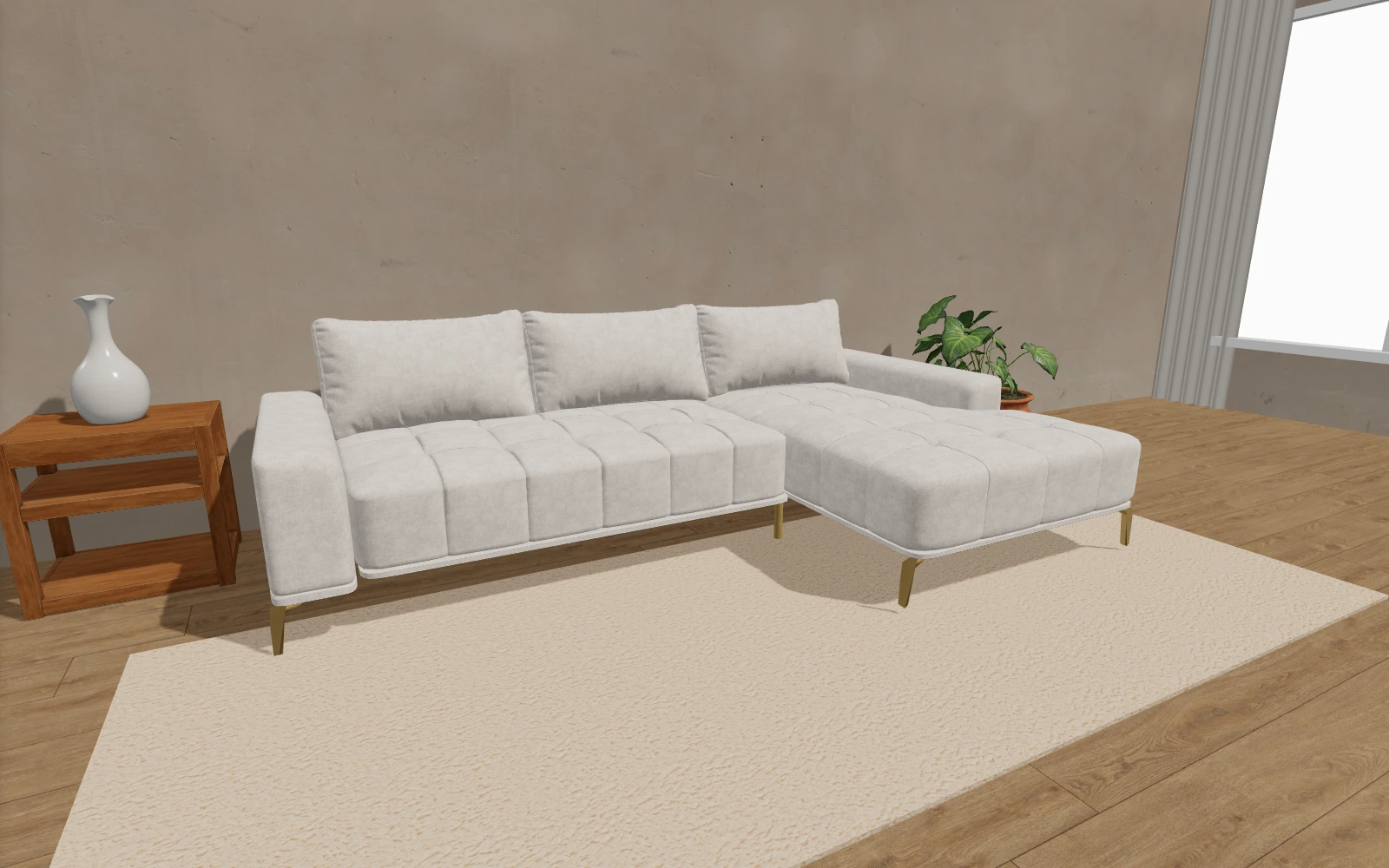
Left or right chaise? One more seat or an ottoman? With a modular sofa, the first choice is not just fabric – it is the layout. A 3D configurator lets shoppers see how the modules fit together before they enquire.
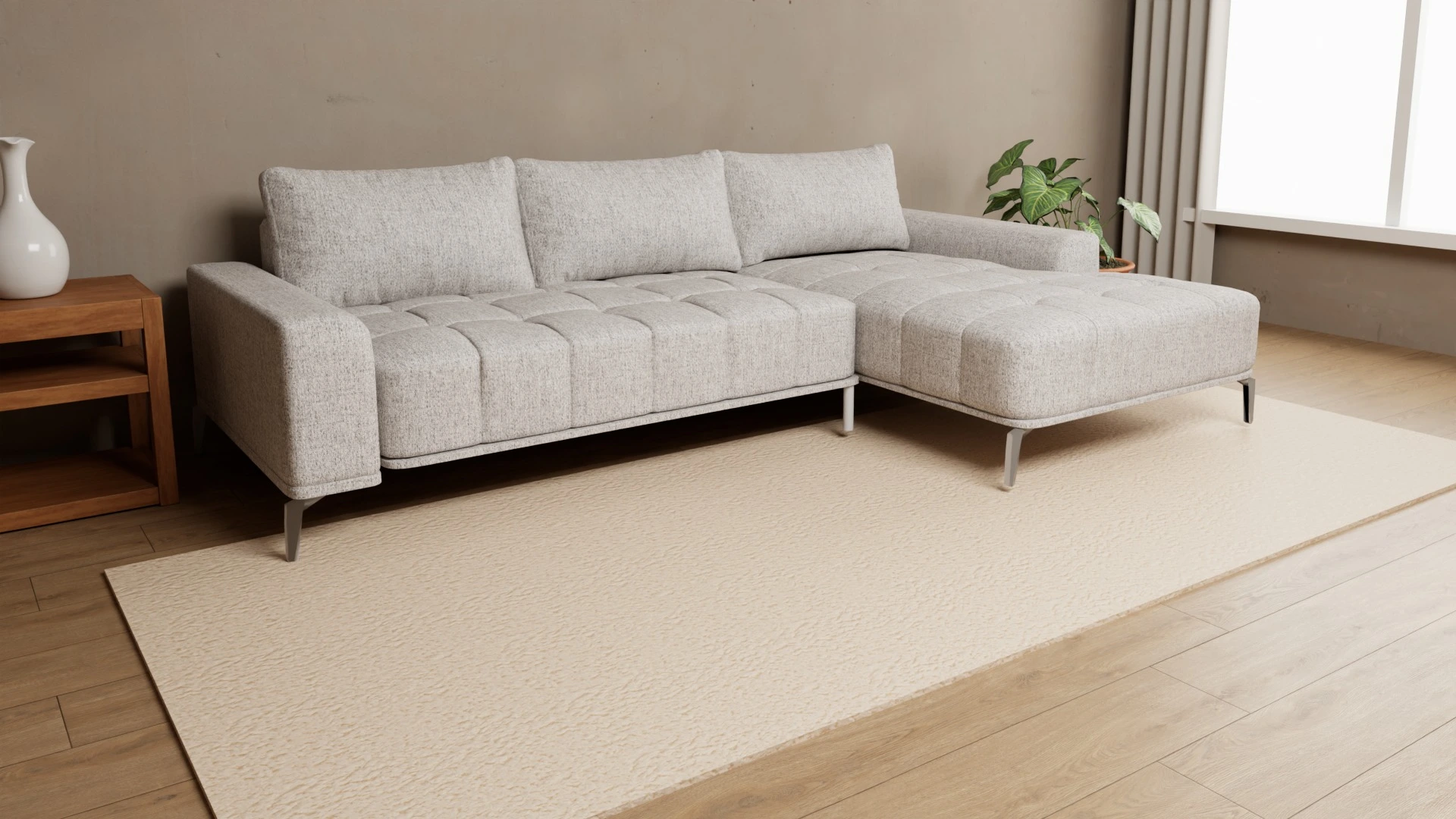
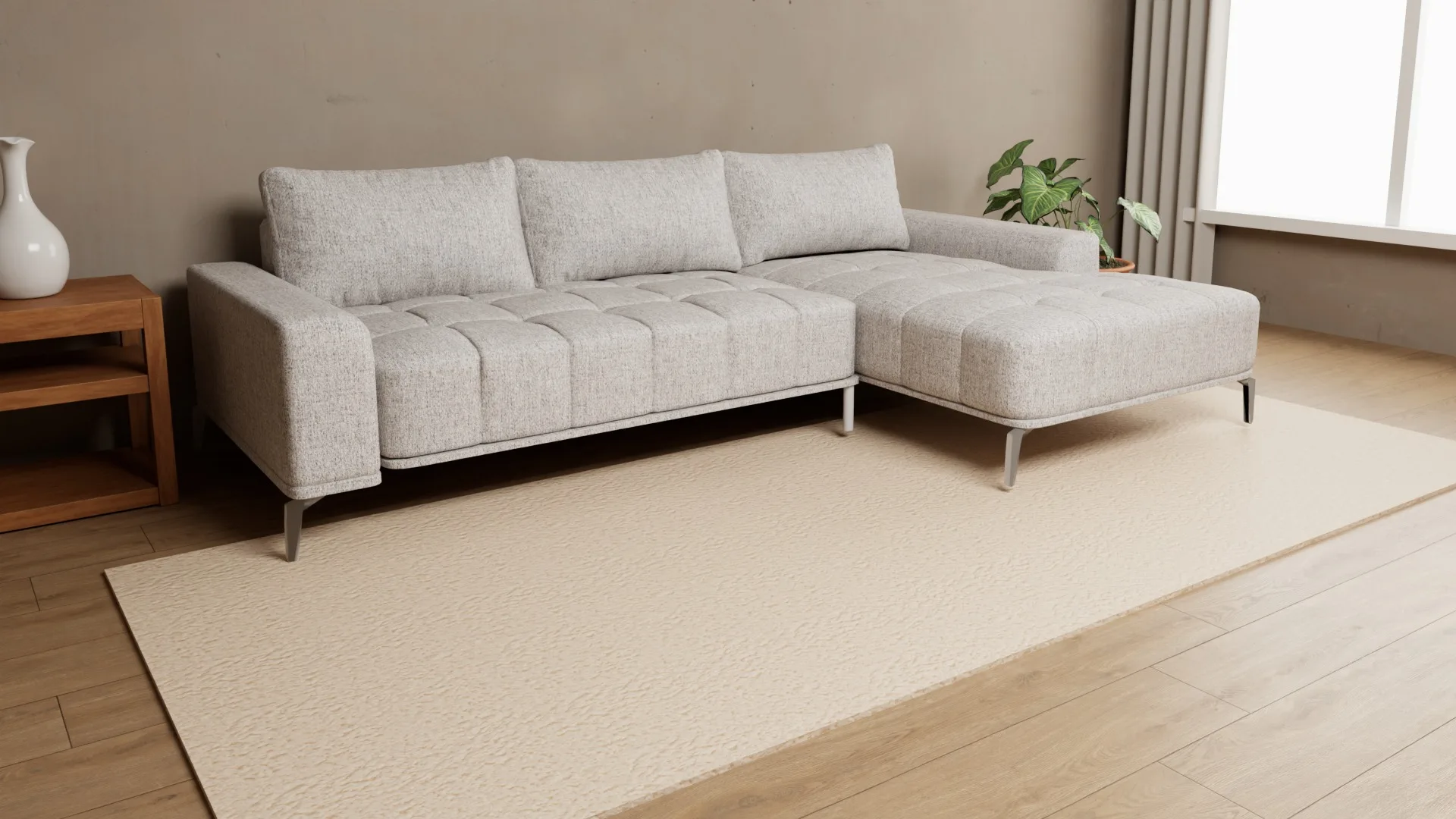
With a standard sofa, shoppers usually start by choosing a fabric or color. With a modular sofa, the first questions are different: how many modules do I need, where should the corner go, and what will the layout look like in my room? A photo of one finished sofa cannot show every combination. An interactive 3D configurator can show the modules as shoppers change the layout.
What a modular sofa means for shoppers
A modular sofa is made of separate elements that can be combined to suit a room and the way it will be used. A layout might start with a left and right end module, with one or more seats in between. Depending on the collection, shoppers may be able to replace a section with a chaise, an ottoman or another available element.
That flexibility is useful, but it also creates more decisions. Shoppers need to understand which modules are available, how they connect and how much space the chosen layout takes up. If they can only see individual pieces or a handful of photos, it is hard to picture the complete sofa.
How a 3D configurator guides the choice
- The shopper opens the product and sees a starting layout built from the available modules.
- They click a module to choose another option, such as a seat with an arm, a chaise or an ottoman.
- They add or remove middle modules, and the rest of the sofa repositions as one connected layout.
- They rotate and zoom the model to inspect it from different angles.
- Once the layout feels right, they choose a fabric and any other available finishes.
The controls should feel connected to the model itself. When shoppers rotate or zoom the view, module choices should remain clear and easy to reach rather than feeling like a separate form next to the product.
Benefits for furniture makers and showrooms
- Show more layouts without displaying every one. Shoppers can explore combinations that would not all fit in a showroom or catalog.
- Explain the range through the product. Instead of deciphering a list of codes, shoppers choose elements and see the result.
- Connect structure and materials. After choosing a layout, shoppers can see how a fabric looks across the complete sofa.
- Make the specification clearer. It is easier to see which side the chaise is on and which elements make up the chosen arrangement.
- Use the same view online and in store. Sales staff can walk through the options with shoppers on a tablet.
What to prepare for a 3D configurator
Start by listing the modules and their variants, defining which elements connect, and recording the width of each piece. You will also need 3D models with separate modules, material references or samples, and clear selection rules. Check that the names used in the configurator match the ones your sales team uses.
Before launch, test common layouts: the smallest and largest allowed arrangements, changes to the end modules and material choices. Try the model on phones and computers, and make sure shoppers can easily tell how to add, replace or remove a piece.
Try a modular sofa
In the Furni360 demo, choose the modular sofa, click its modules and build a layout. If you are planning a configurator for your own catalog, read the manufacturer's guide or get in touch.
Frequently asked questions
Is a 3D configurator only suitable for modular sofas?
No. The same approach can work for any product assembled from compatible parts, as long as the modules and selection rules can be clearly defined.
Can shoppers change the material after building the sofa?
Yes, if material choices are included in the product configuration. Shoppers can then see their chosen layout and finish together on the 3D model.
What is needed to build a modular configurator?
A list of modules and variants, rules for how they connect, dimensions and 3D files with the parts separated. You will also need the materials shoppers can choose from.
Can shoppers try layouts on the website themselves?
Yes. The configurator can be embedded on a product page, so shoppers can change the layout in a browser on a phone, tablet or computer.